Find Your Next Indie Game by Play Style, Not by Hype
Independent games cover an enormous range of experiences, from patient mysteries to demanding action. The label indie tells you little about which one will suit a particular evening. Start with the activity you want and the conditions you need, then explore within that space. This is a discovery method rather than a ranking, review or claim of hands-on testing. Store interfaces and individual game information can change; the primary references for this October 18, 2026 edition are linked below.
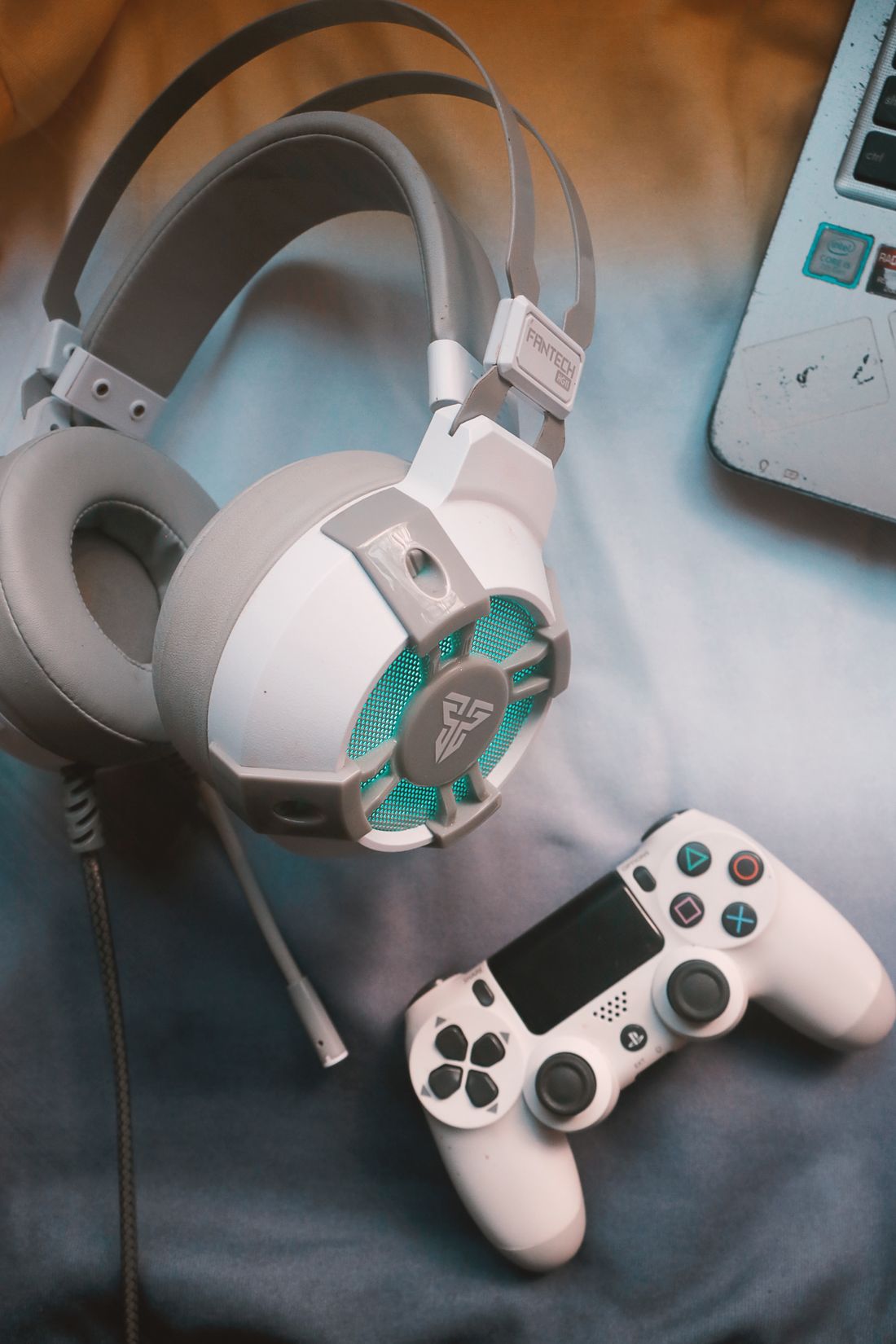
Photo: Reimond Mar Depra · License. Illustrative stock photography.
Describe the experience in ordinary language
Write one sentence that explains the kind of session you want: a story I can pause at any time, a puzzle I can discuss with a friend, or fast solo action with short attempts. Add a firm limit such as keyboard-only play or no online account requirement. Genre words can help, but they are often too broad to make the decision alone. Two games tagged adventure may differ completely in timing, combat and reading. Your plain-language description becomes a filter for deciding which store pages deserve closer attention.
Use tags as leads rather than guarantees
Steam's search interface offers categories for operating systems, controller support, languages and access features alongside game tags. Combine a few meaningful requirements before browsing screenshots. Treat labels as starting information supplied through the store, not a promise that every player's needs are met. A cozy visual style does not establish the absence of time pressure, and multiplayer does not automatically mean local shared-screen play. Check the developer's description for the precise feature that matters. If that information is unclear, keep the game on an investigation list instead of guessing.
Read the product page in a useful order
First check platform and system requirements, then the actual play description, input methods and available accessibility information. Only after those basics fit should you spend time on trailers and decorative screenshots. Look for representative gameplay that shows the interface and ordinary movement rather than only a montage of dramatic moments. Distinguish a released game from a demo, preview or early-access product. None of these labels automatically means good or bad; each changes what you are being asked to buy and what uncertainty you should accept.
Use demos to answer a few questions
When the developer offers an official demo, decide what you want to learn before downloading it. For example, check whether text is legible, controls feel understandable and saving fits your available time. A demo may represent an earlier build or a limited section, so read its description rather than assuming it mirrors the entire product. Record what you observed without turning a few minutes into a sweeping review. If no demo exists, rely on clear product information and appropriately detailed coverage, while acknowledging what remains unconfirmed.
Read feedback with the context attached
Player reviews can point to issues worth investigating, but the useful part is usually the explanation rather than the aggregate score. Look for the review date, platform, specific complaint and whether a developer response or update addresses it. A player disliking a deliberately slow pace may be describing a feature you want. Conversely, repeated reports about text size may matter greatly if readability is essential. Do not treat high playtime, a viral clip or a large community as automatic proof of suitability for your own session.
Keep discovery separate from buying
Save suitable candidates to a shortlist with one reason each, then choose when you actually have time to play. Steam's discovery guidance describes wishlist, follow and ignore tools that can help organize exploration. You do not need to buy everything that interests you during a sale or event. Compare the full price shown, required add-ons and any outside account conditions when you are ready. After playing, write a brief preference note such as liked the untimed puzzles, which will make the next search more precise than accumulating another long backlog.
Your working checklist
Checkmarks stay in this browser when storage is available. They do not submit a form or complete a booking.
Put it into practice
- Define the desired activity, session length and any non-negotiable access or hardware requirement.
- Filter the store, then verify the exact features on the developer's product information.
- Use an official demo or representative gameplay to resolve a short list of uncertainties.
- Save suitable candidates with reasons and buy only when the conditions and available time fit.
Before you finish
- The listing is for the game rather than an add-on or soundtrack.
- Local and online multiplayer are not confused.
- Hardware, language and input requirements are confirmed.
- A demo is understood as a limited sample.
- The shortlist explains why each game suits the player.
Common questions
Does indie mean a game is short or inexpensive?
No. It describes a broad development context rather than a dependable session length, budget or genre. Check the particular product.
Are store tags enough to confirm accessibility?
Use them to narrow the search, then read feature details and developer guidance. A broad tag may not answer your specific input, visual or timing requirement.
Should I avoid a game with mixed reviews?
Read the reasons first. Feedback can reflect preferences, technical problems or changing versions. Decide whether the documented issues matter for your setup and expectations.