Your First VR Session: A Calm Setup and a Clear Way to Stop
A first virtual-reality session works best when learning the equipment is the main activity. You do not need a demanding action game, a public social room or an endurance challenge to discover whether the experience suits you. Follow the manufacturer guidance for your exact headset; this article is an introductory planning aid, not a substitute for its safety instructions. Sources were checked for October 18, 2026. If discomfort appears, stop rather than trying to prove you can adapt by continuing.
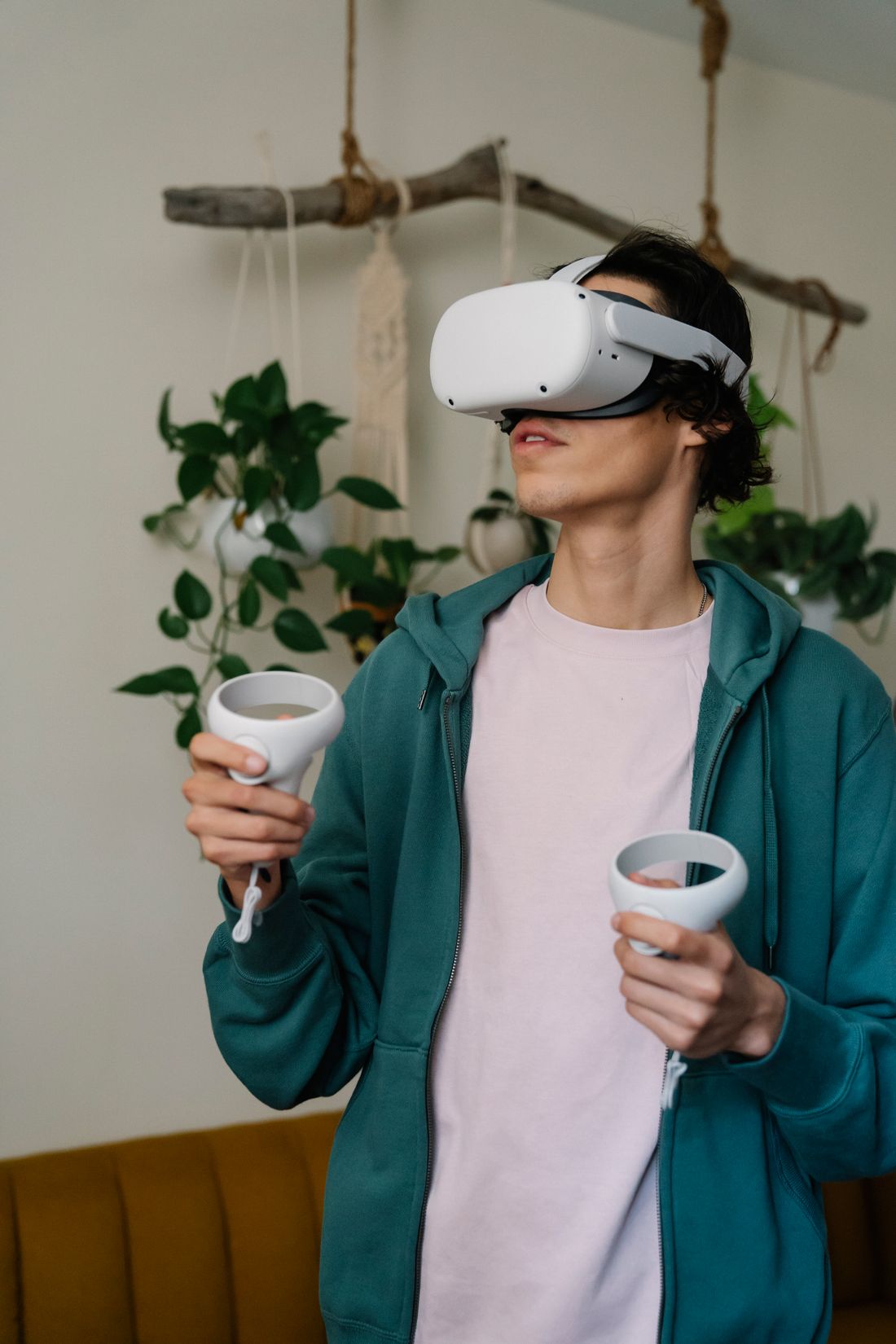
Photo: Eren Li · License. Illustrative stock photography.
Read the headset guidance before wearing it
Locate the safety information for the exact headset and accessories you will use. Check account, age and supervision requirements through the manufacturer's current regional guidance instead of copying a number from an old article. Follow any relevant health warnings and obtain professional advice when the manufacturer directs it for your circumstances. Decide whether you are setting up standalone VR or a computer-connected system, because the required software and hardware differ. Download updates and the intended introductory experience ahead of time so the first session is not spent troubleshooting while wearing the device.
Prepare a physical room, not just a digital boundary
Choose an indoor area and remove obstacles, loose cables, sharp items and anything likely to move into reach. Check overhead fixtures as well as the floor. Leave a clear buffer appropriate to the manufacturer's instructions and the activity. Keep other people and pets from entering unexpectedly. Meta's safety guidance explains that a boundary is not a dependable detector of every person or object. Treat it as one aid within a cleared environment, not permission to play close to furniture. Recheck the room whenever the layout changes.
Fit the headset and learn the exit controls
Use the manufacturer's fit and lens-adjustment instructions for your device. The image should be readable without excessive pressure from the straps. Check how glasses or approved prescription accessories are accommodated if needed; do not improvise a fit that risks contact with lenses. Learn pause, menu, recenter and exit controls before entering the chosen experience. Use controller straps when instructed. If a friend is helping, agree on a simple spoken stop signal and explain what assistance is welcome. Never unexpectedly push or pull someone who cannot see the room clearly.
Choose an uncomplicated first experience
Select an age-appropriate introduction with little imposed camera movement and controls that are easy to understand. Prefer supported seated or stationary play when that fits the experience and your space. A comfort label can help selection but cannot guarantee a personal response. In games offering alternatives, investigate teleport movement, snap turning and other comfort settings before starting. Do not assume that a dramatic trailer represents a suitable first activity. A clear view of a quiet virtual environment can be enough to learn looking, selecting and returning to the menu.
Keep the first attempt flexible
Plan a brief initial attempt with room for a break rather than a target you must complete. Pay attention to comfort, vision and orientation, and follow the manufacturer's instructions about stopping and resuming. Remove the headset safely before walking around or reaching for a drink. Do not continue through nausea, dizziness or other unusual symptoms; follow the relevant safety guidance and seek medical advice for serious or persistent symptoms. There is no single session length appropriate for everyone, and buying a headset does not create an obligation to enjoy every type of VR movement.
Review privacy before entering a social space
Learning a private tutorial is different from joining strangers in a shared virtual room. Before social play, check microphone behavior, profile visibility, personal-boundary tools and how to mute, block, report and leave in the particular app. Avoid revealing personal details simply because avatars feel informal. If sharing the headset, follow cleaning instructions and protect purchase access and private messages. Afterward, record which settings and experiences felt comfortable. Your next session can build from that information without immediately increasing movement intensity or public interaction.
Your working checklist
Checkmarks stay in this browser when storage is available. They do not submit a form or complete a booking.
Put it into practice
- Read model-specific warnings and prepare the account, software and introductory experience in advance.
- Clear the physical space and configure the supported boundary and play mode as instructed.
- Adjust fit, learn pause and exit controls, and begin with uncomplicated movement.
- Stop promptly if uncomfortable, then review settings and privacy before planning another session.
Before you finish
- Age and supervision requirements match current regional manufacturer guidance.
- Floor, overhead space, people and pets are accounted for.
- The headset fits according to its own instructions.
- Pause and exit controls are understood before immersive play.
- Discomfort leads to stopping rather than a forced endurance target.
Common questions
Does a boundary make a room safe automatically?
No. Clear the physical area and keep others from entering unexpectedly. The manufacturer's boundary guidance is an additional aid, with limitations that must be respected.
Should I push through VR nausea to get used to it?
No. Stop and follow the headset maker's safety instructions. Serious or persistent symptoms require appropriate medical advice before resuming.
Is seated VR always available?
No. Check the particular application's supported play modes, controls and space requirements. Choose an introduction that explicitly fits your intended setup.