Use a Game Demo to Answer a Few Specific Questions
A demo is most useful when it answers questions about how you play, rather than when it becomes another title to rush through. Choose a small evaluation plan and keep the limits of the sample visible.
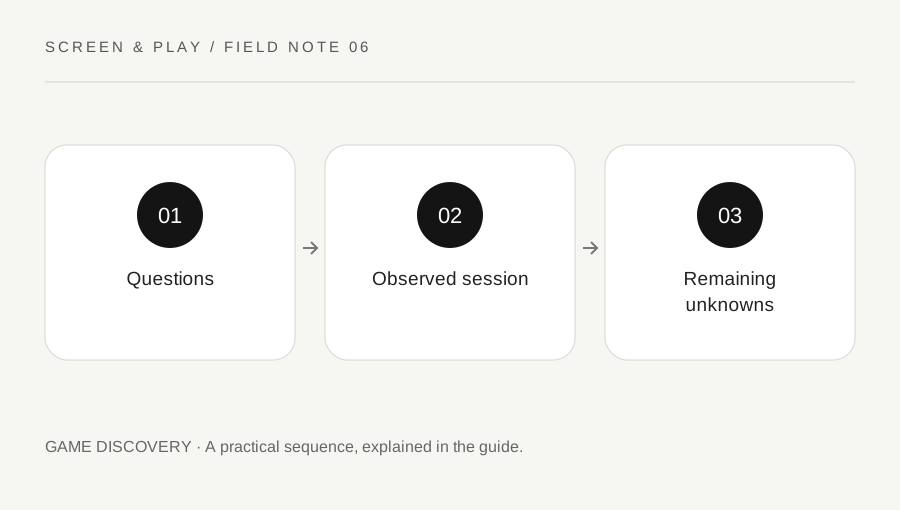
Original explanatory diagram. Examples illustrate a method or decision; they are not claims of personal testing.
Find the official sample and its limits
Use the official store or developer route to find the demo. Check whether it is currently available, whether it has a time limit and whether it represents a particular build or section. A festival demo, a permanent trial and a subscription trial can have different conditions. Do not download an unknown executable just because it uses the game name.
Read the demo description separately from the full game page. The sample may omit modes, late-game systems or settings. Steam provides developers with separate demo arrangements, so do not assume every demo is simply the complete game with a timer. Record what the developer actually says about the sample.
Choose three questions before playing
Write questions connected to your needs. Can you read the interface comfortably? Do the controls make sense with your input device? Does the core loop hold your interest? A focused set prevents an attractive opening scene from becoming your only evidence. You can still enjoy the session without turning it into a formal review.
For an illustrative strategy demo, your questions might concern text size, the clarity of turn information and whether a normal session fits the time you have. For an action game, camera control and remapping may matter more. Avoid borrowing a reviewer checklist that ignores the reasons you are considering the game.
Observe settings and ordinary play
Before progressing far, inspect the settings that matter to you and try the supported adjustments. Note the actual result, such as a readable menu at your chosen resolution, rather than writing a broad claim that accessibility is good. A demo observation is specific to the hardware, build and section tested.
Spend some time in the repeated activity rather than judging only the introduction. If a tutorial is mandatory, distinguish tutorial restrictions from the normal system when the sample makes that clear. Do not use one smooth scene as proof of performance throughout the full game. Record visible problems precisely enough that you can check current developer information later.
Separate interest from unresolved requirements
After the session, make three short columns: worked for me, did not work for me and not shown. A missing co-op mode in the demo belongs in not shown unless the official information establishes its status in the full game. A control issue you actually encountered belongs in the observed column, with the relevant setting noted.
Check the full game listing for requirements the demo could not answer, such as supported modes, languages or system needs. If save transfer matters, use the developer statement for that specific game. Steam documentation allows different demo implementations; it does not establish that every demo progress state will continue after purchase.
Decide without manufacturing certainty
Choose whether to buy, wait, wishlist or pass based on the evidence and remaining uncertainty. A sale timer does not answer a requirement the sample omitted. If a critical feature is unclear, seek an official answer or wait. A demo can reduce uncertainty, but it is not a guarantee of the whole product or future updates.
Keep a few notes rather than a long score sheet. Include the demo date and platform so the observations are not mistaken for a permanent review. If you later play the full game, compare what the sample predicted accurately and what it could not show. That helps you choose better questions the next time you try a demo.
A practical checklist
Choices are saved in this browser. Reset them here or clear this site’s browser storage.
Questions that come up
Does demo progress always transfer?
No. Check the specific developer statement and supported process for that game.
Can a demo prove the whole game runs well?
No. It samples particular content and a particular build on your setup. Other areas may differ.
Should I finish every demo?
Only if that helps your decision or you want to. A few focused questions can be more useful than completion alone.
References & scope
Background references checked on 18 October 2026. Worked examples and diagrams are original teaching material.